

Opencart Multi Vendor Wallet System allows customers to pay for the orders using wallet cash stored in the account.
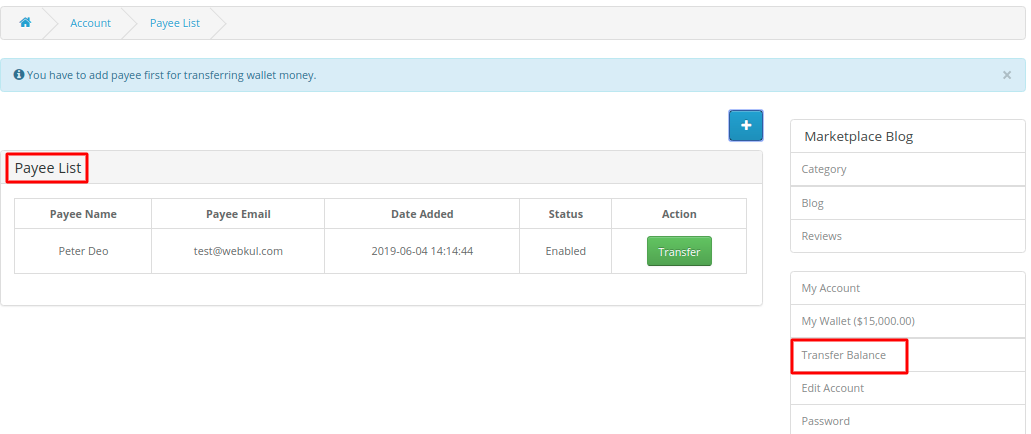
Additionally, customers can easily transfer wallet money to other registered customers or sellers. Also can quickly add money to their wallet, and view transactional details.
Please Note –
Opencart Multi-vendor wallet system enables the customers/sellers to use their wallet account money to purchase products.
Furthermore, this module allows the customer/seller to transfer money from one customer wallet account to another.
Moreover, When the customer purchases products from multiple sellers and makes payment via wallet the money gets split up between respected sellers as per their product rate.
Admin can configure the wallet system according to the requirements from the ‘General Settings’ tab.
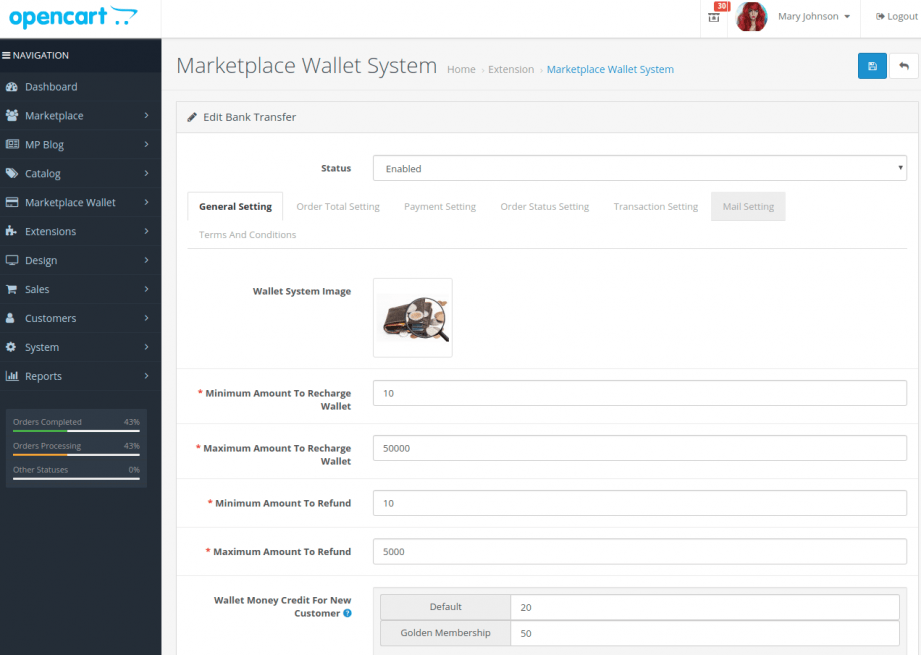
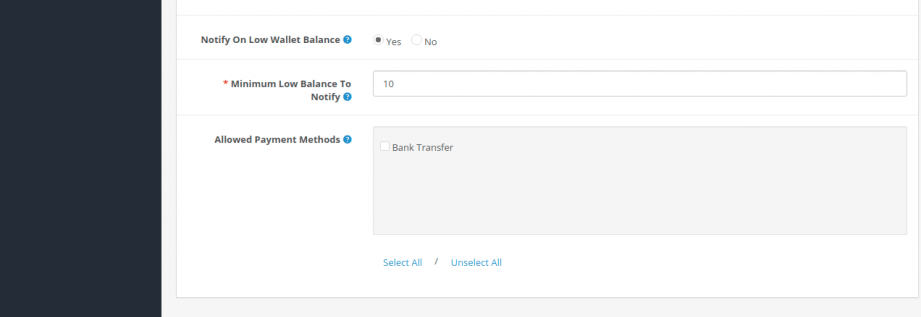
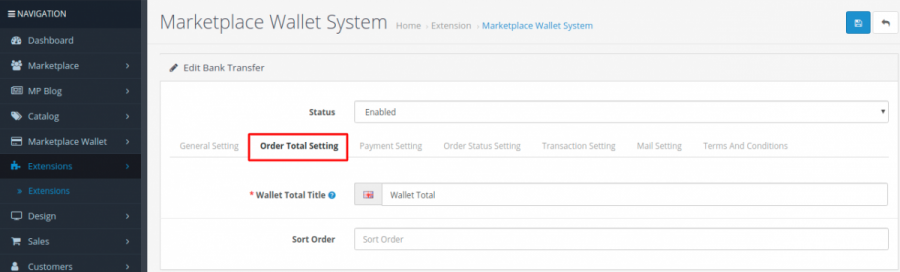

In Payment settings, admin has further options to complete – Wallet Payment Title, Geo Zone, and Short Order.

Using this option the admin can set the Wallet Recharge Default order status, Place Order status Using Wallet, and Refund Order Status according to the need.
In transaction settings, the admin has the following options to determine limits:

This module allows admin to select a mail template that will be sent to the customer based on the actions related to the wallet system.

Using this option the admin can set all the terms and conditions as per the need.
The customer will be able to use the wallet only after getting registered.

Registered customers can see the two new options as My Wallet and Transfer Balance in My Account option.
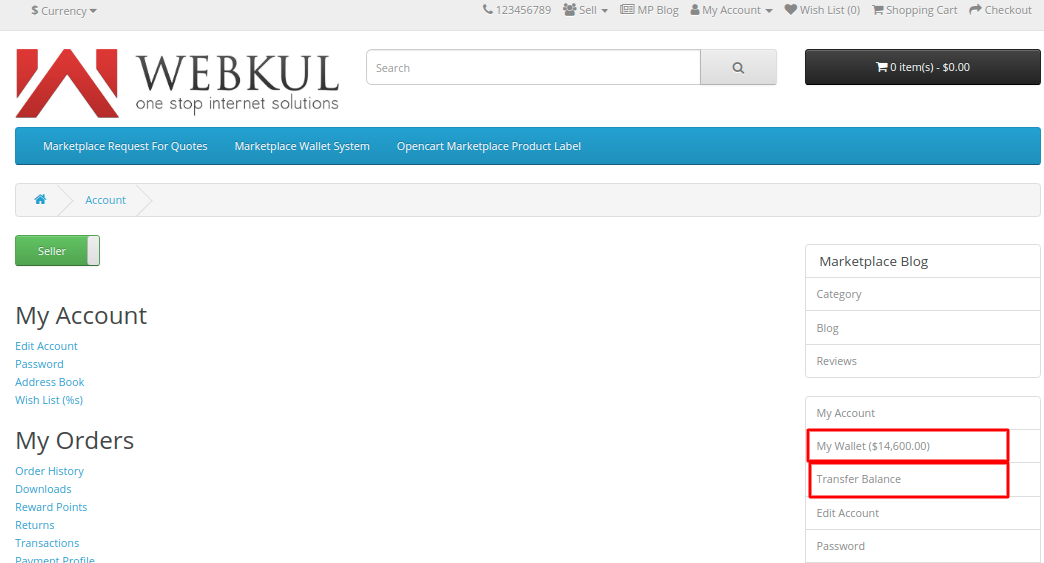
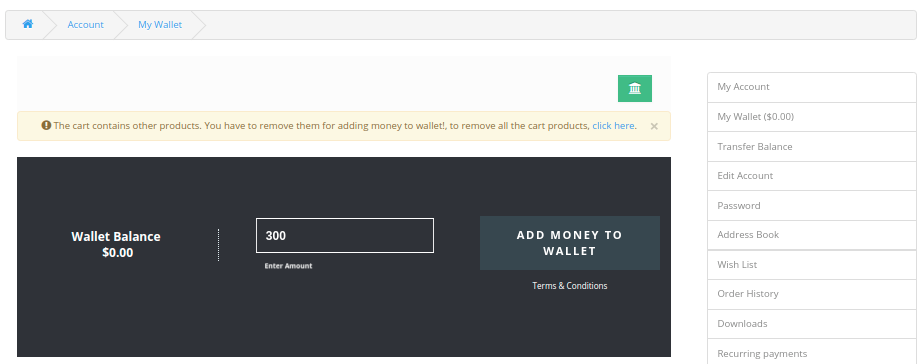
The seller/customer can view the total wallet balance on My Wallet itself and also by using My Wallet the customer can add money to the wallet.

Terms & Conditions – When the customer clicks on the Terms & Conditions then a pop-up appears with all the written details.

Add Money To Wallet
The customer can easily add money to the Wallet from Add Money To Wallet option the money will be added to the cart as a product.
Just add any product to the cart and proceed for the checkout process as shown.

In this case, the customer has purchased the order of two different sellers (Shane Smith and Jenifer Doe) then after placing the order, the payment for the different seller products in that order will automatically split up among those sellers.
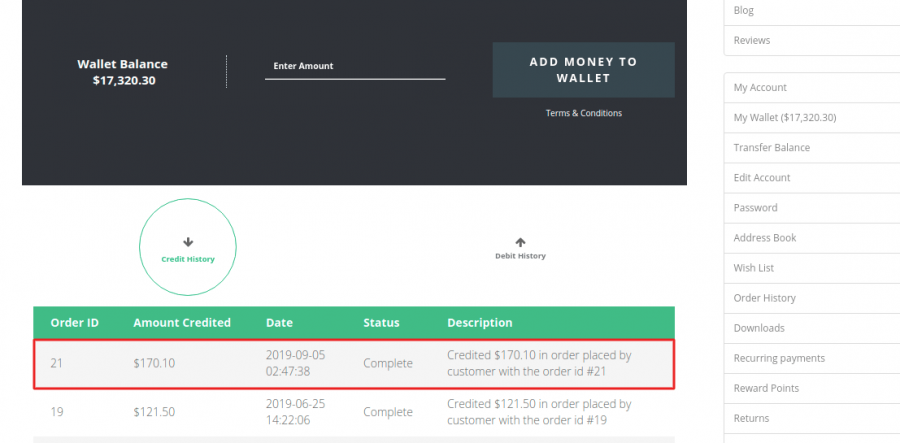
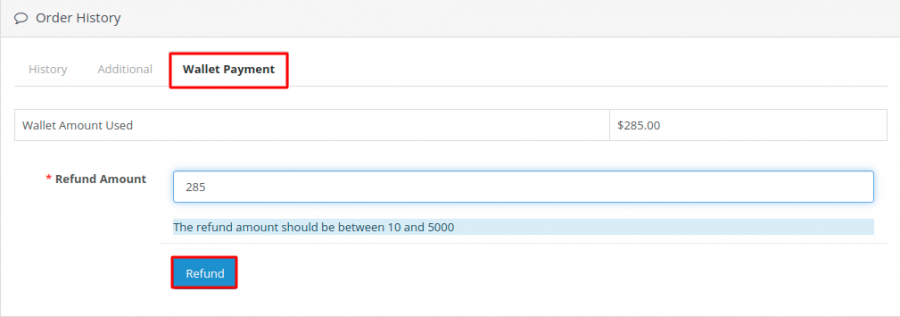
If the customer faces any issue regarding the product and if the customer has used the Wallet Money to place the order then the money will get a refund to the Wallet Account.
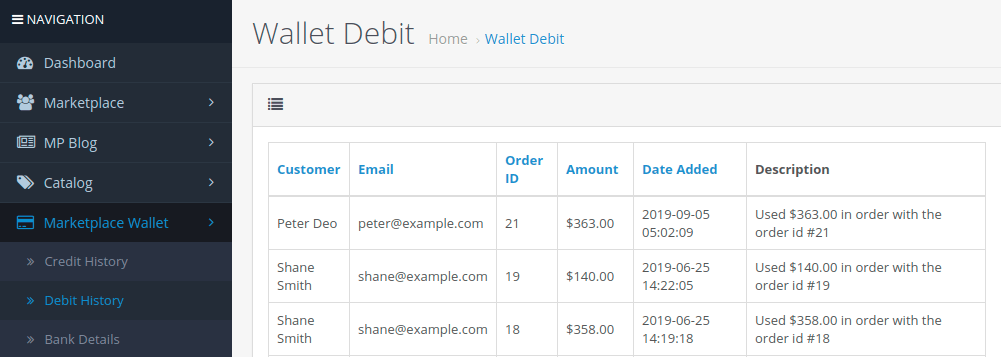
Also, the admin can refund the amount to the customer:
Henceforth, you can see the benefits of using the OpenCart Multi-Vendor Wallet System.
Moreover, if you still have any issues feel free to add a ticket and let us know your views at http://webkul.uvdesk.com/.