

Opencart Marketplace Web To Print module facilitates the sellers to provide their customers with a customization tool. The tool allows the customers to personalize their favorite products at the storefront.
This add-on is useful for those merchants who are selling personalized products such as printed t-shirts, coffee mugs, phone-cases, photo-gifts, etc.
The customers can make use of the images, text, and shapes to customize their products. There are tons of options available for customizing the product.
Please Note – This is a marketplace add-on, so you must install Webkul OpenCart Multi-Vendor Marketplace extension first.
This module is useful for the store selling personalized items like coffee mugs, cushions, cakes, photo gifts, phone-covers, etc.
Maybe the customers want to customize a t-shirt or a mug they like within your website.
So let your customers customize the needed items using Web To Print tool and get the desired items delivered to the doorstep.
Hence, this extension will not limit your business horizons. Instead, let you explore new business requirements for the web to print products.
After the successful installation of the Opencart Marketplace Web to Print Extension, tap the edit button to bring up the module configuration settings.
Allows admin to set module status, determine autosave time, and enable allowed options. Further, the admin needs to enter the Pixabay API key, define the text box limit, allowed extension, and finalize the checklist template.

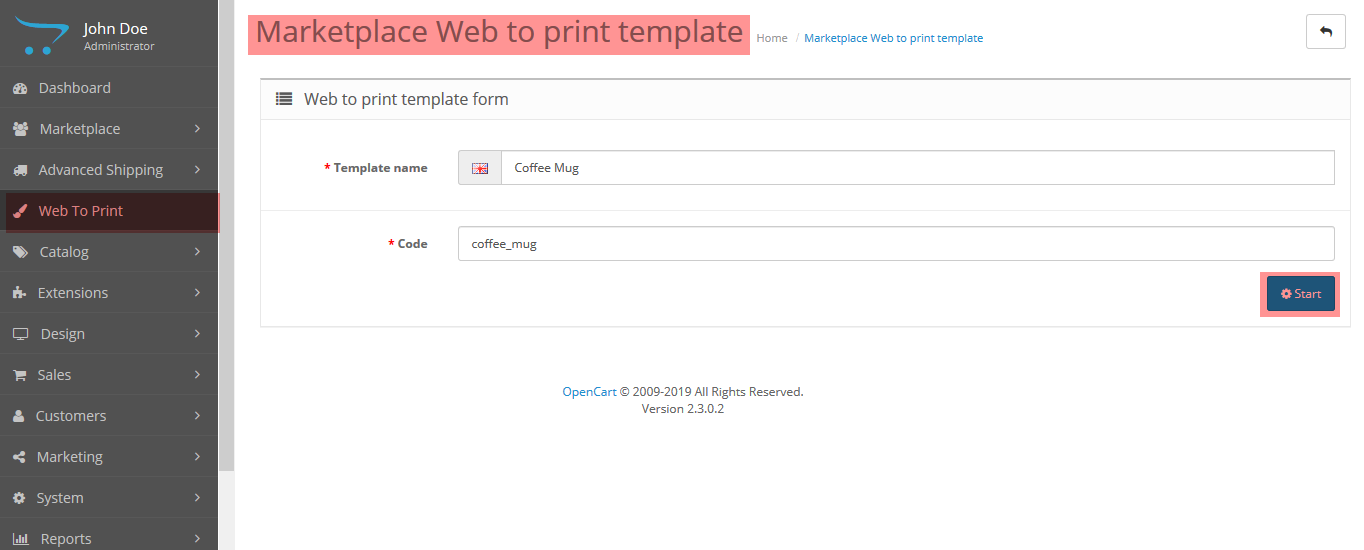
The admin can create a template that can be used by the customers at the website frontend.
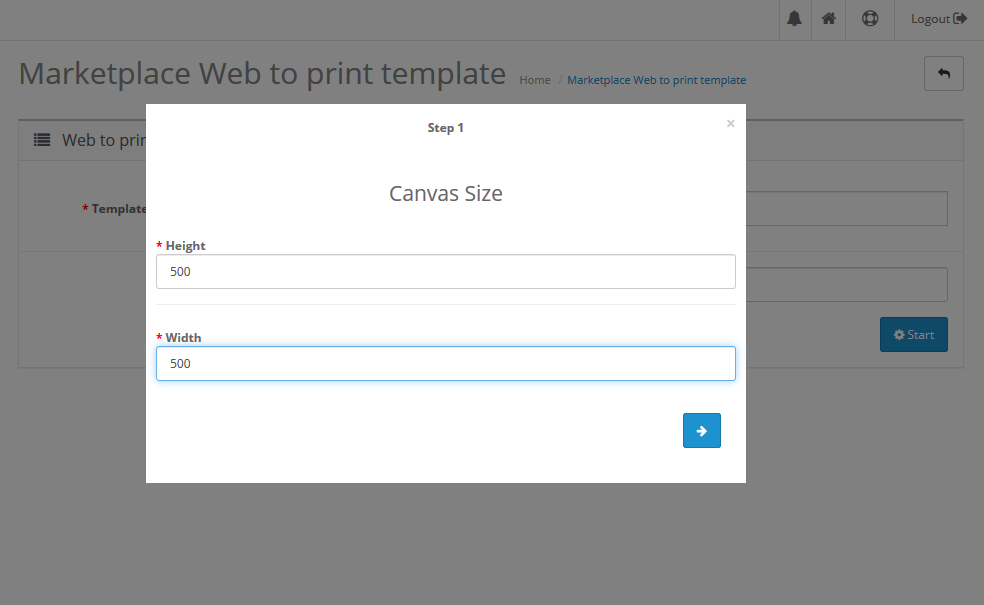
Enter the canvas height and width and it will display on the template.
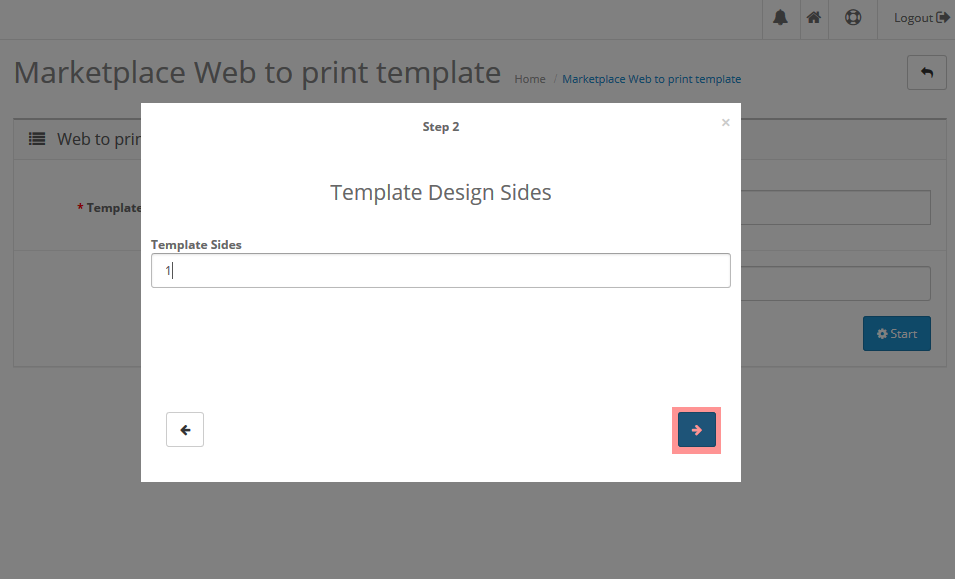
Enter the number of sides on which the admin wants to add the template and tap next.
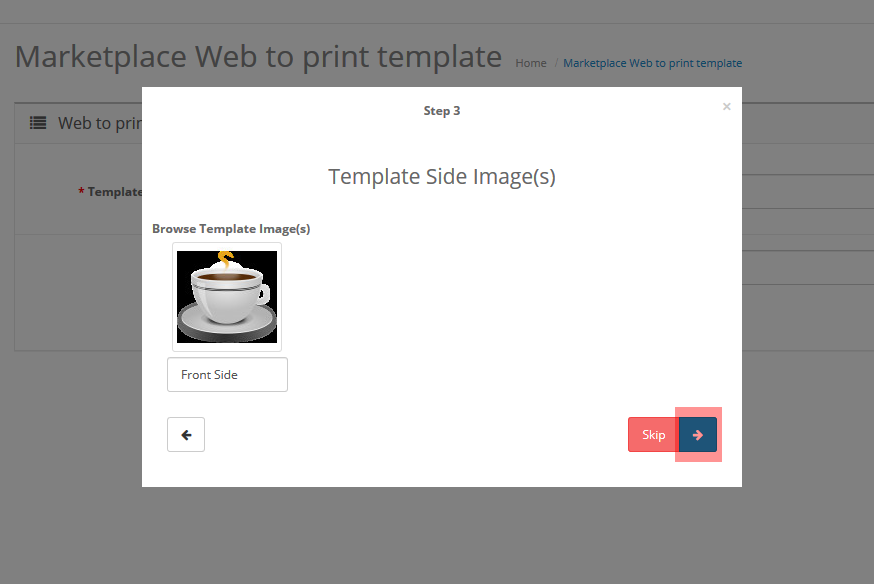
The admin can add the Text, Image, and Shapes to the canvas.
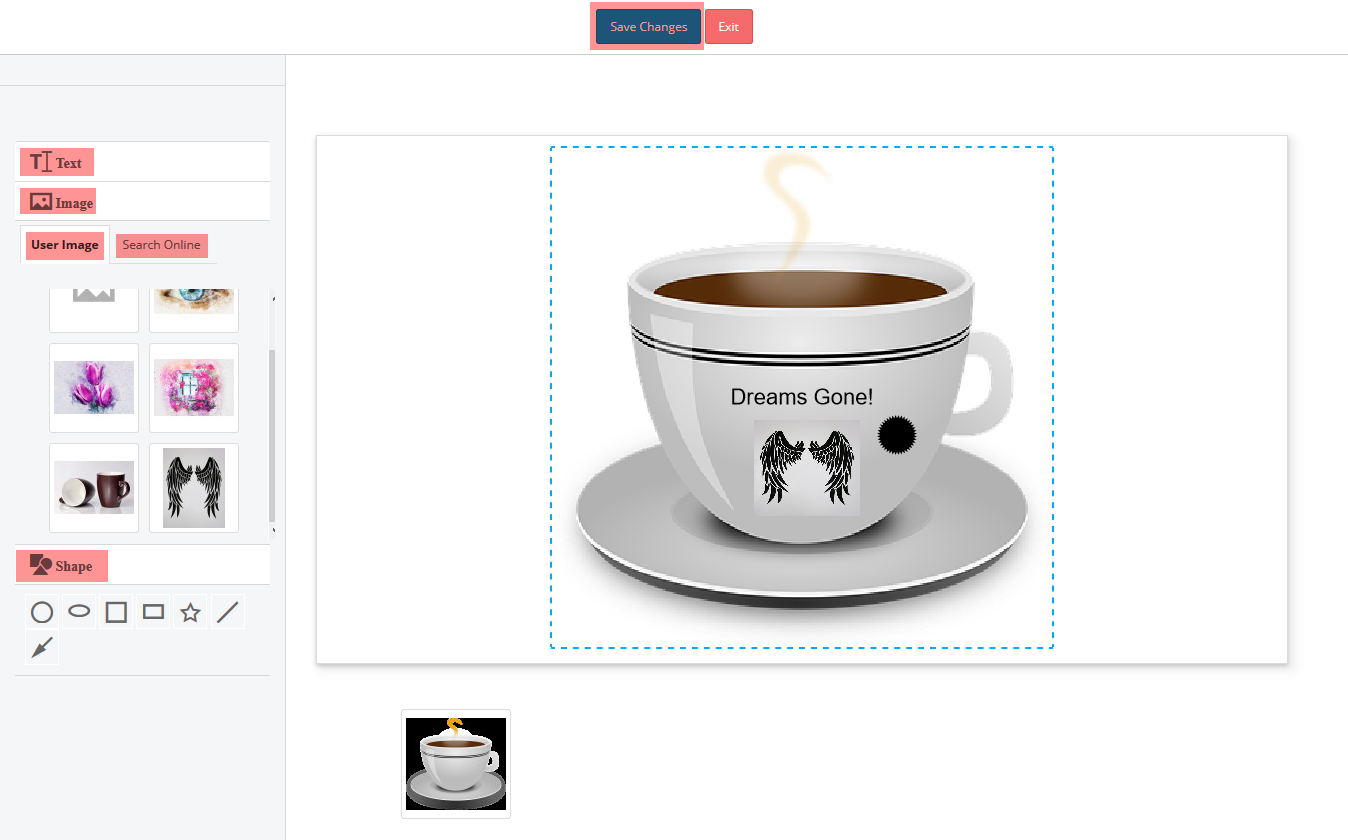
Customers can customize a product according to their needs.

The customer can design and view multiple dimensions of one product as set by the seller.

Shoppers can make use of the text, images, and shape editor to provide his own design for the product.

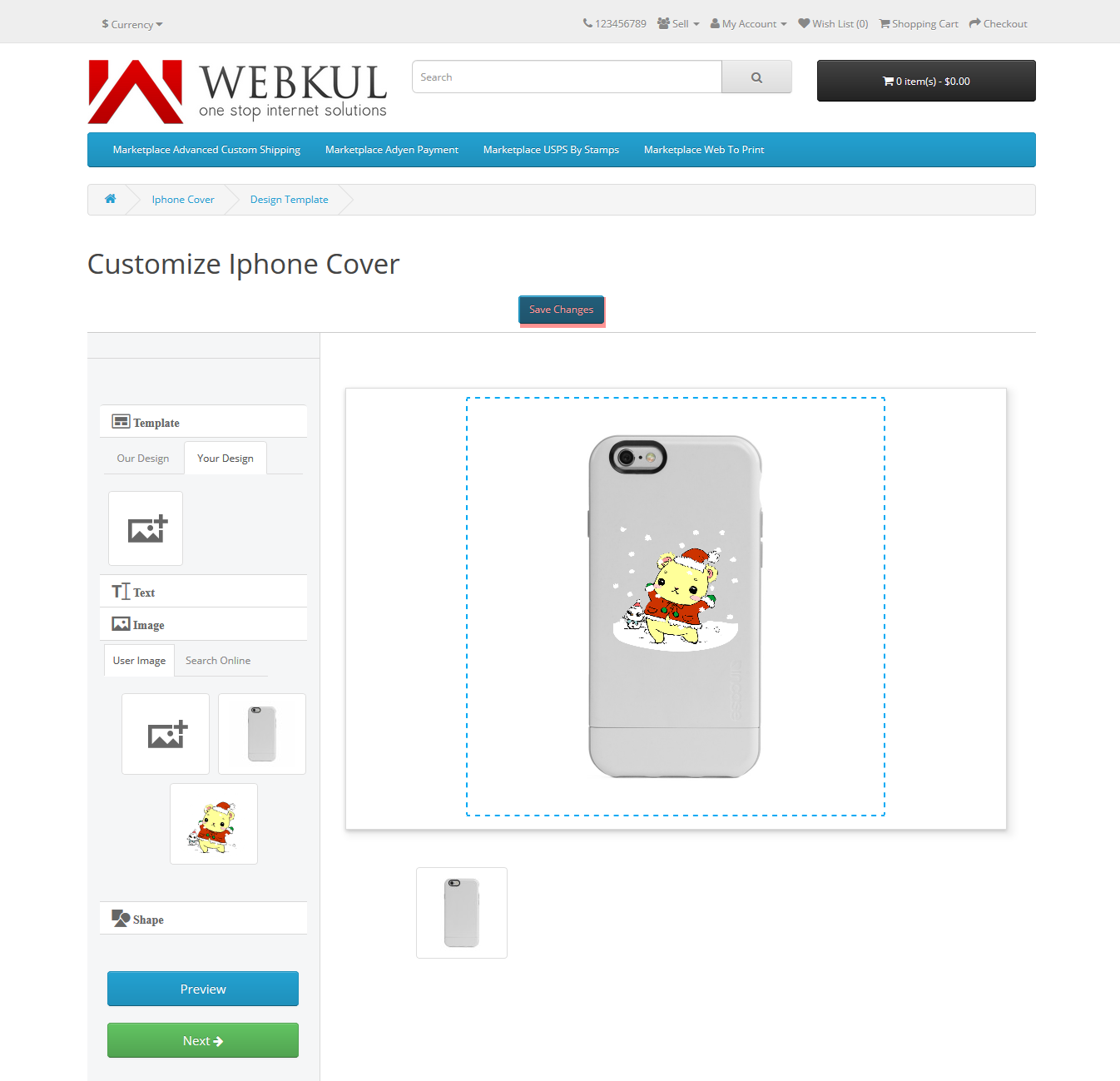
The sellers can provide customers with the option to use the pre-configured templates or custom templates for product customization.
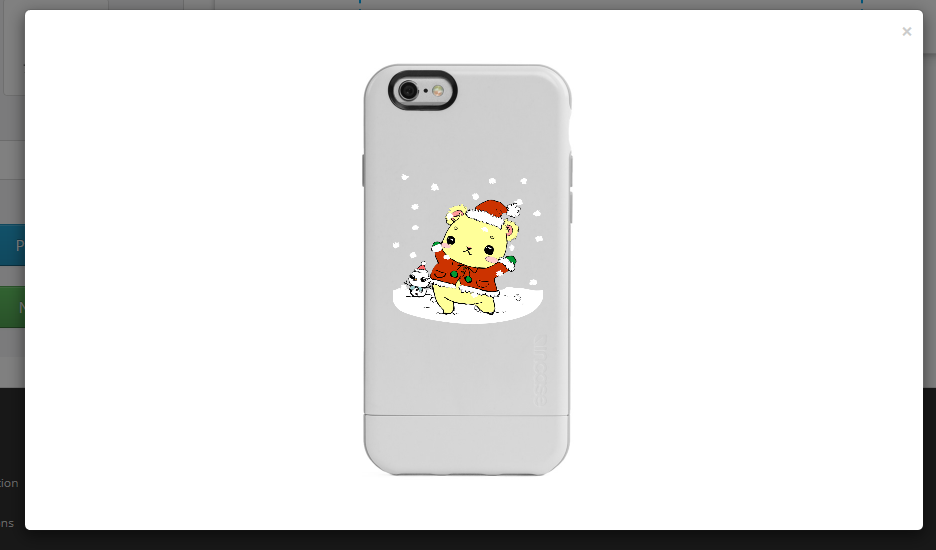
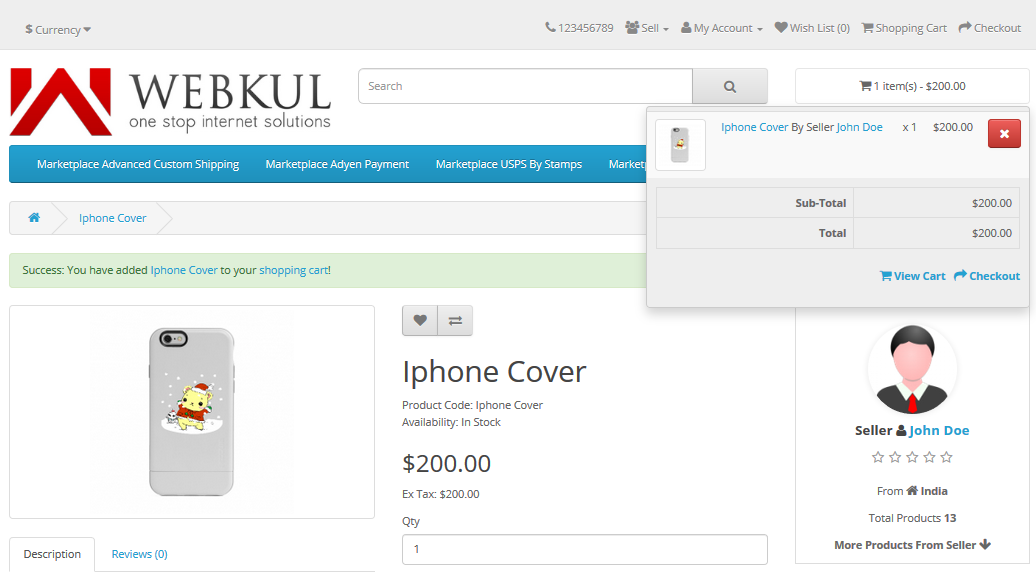
Customers can design the products and preview the same before they order the customized product. Now, the customer can see the customized design of the product on the product page.

Customers can add the product to the cart and proceed to checkout.
Customers can view the .zip file of the customized product under the order history for the respective order.
The seller will also be able to view a small customized image of the product along with the .zip file of the product which contains the image of the product design as desired by the customer.

Henceforth, you can see the benefits of using the Opencart Marketplace Web To Print.
Moreover, if you still have any issues feel free to add a ticket and let us know your views at http://webkul.uvdesk.com/.