

With Prestashop Marketplace Seller Invoice, you can send sellers’ invoices to the customers. The extension allows both the sellers and customers to download the invoice from their respective accounts. Also, the sellers can download admin commission invoice and send the invoice to the admin.
Note :
Post-installation, a new tab “Seller Invoice” gets available in the seller’s account.
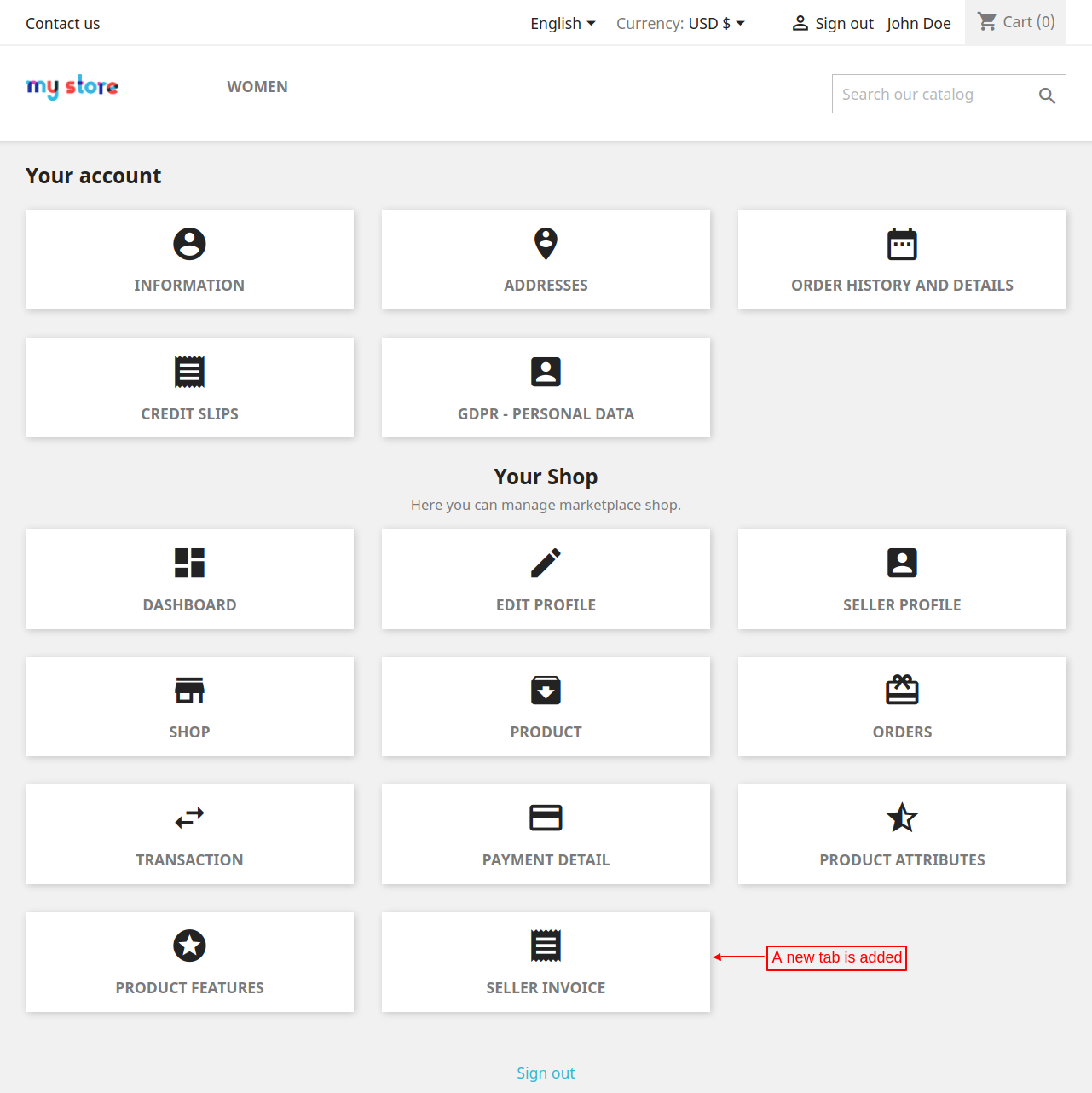
From this tab, a seller can view configure invoice setting, order invoice, and admin commission invoice.
Under “Invoice Setting” a seller can:

Under “Order invoice” a seller can view the list of invoices of the orders placed by the customers for his products.

A seller can download an invoice in a PDF format by clicking on “PDF” button under Invoice tab.

When the order status gets changed to the status on which commission invoice gets generated then a seller can send the invoice to admin.

After placing an order, a customer can download invoice for his order under order confirmation page.

When the status of an order gets changed then admin commission invoice gets generated and the seller can view it under “Admin Commission invoice” tab.

Please explore our Prestashop development services and vast range of quality Prestashop addons.


